
cover

UNO: Arcade Edition™

Info, Guide, Walkthrough, Tips, Glitch, News

Experience the classic UNO card game with new rules, vibrant visuals, and multiple modes. Play solo or with friends, online or offline, anytime, anywhere!

Ratings

4.7

Age

4+

Category

Card

Languages

ENG
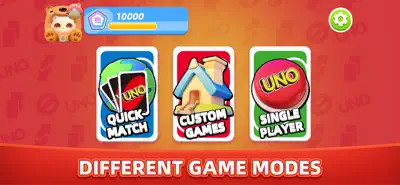
Enjoy UNO with a fresh look, new rules like Wild Swap Hands, and modes like Quick Match or Single Player. Customize your experience and play with friends or AI, online or offline!
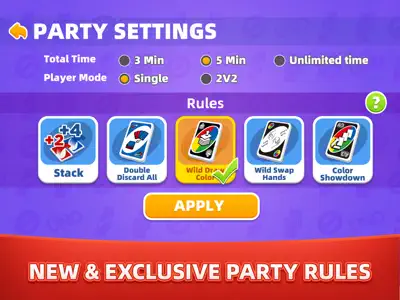
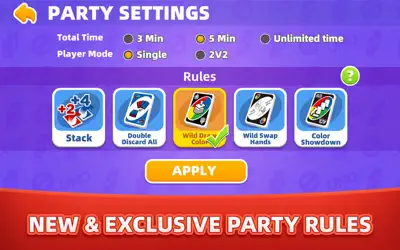
UNO: Arcade Edition reimagines the iconic card game with vibrant visuals and exciting new features. Enjoy classic UNO gameplay or explore exclusive house rules like Wild Swap Hands, Color Showdown, and Double Discard All. Choose from Quick Match, Custom Games, or Single Player modes to play with friends, family, or advanced AI opponents, online or offline. Customize your experience with unlockable frames, emotes, and effects, and progress through UNO Road to earn rewards. With its cozy, colorful world and engaging gameplay, UNO: Arcade Edition offers endless fun for players of all skill levels.

Screenshot

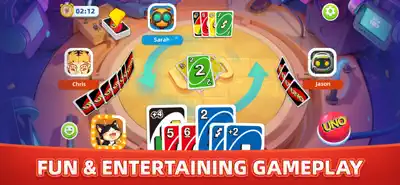
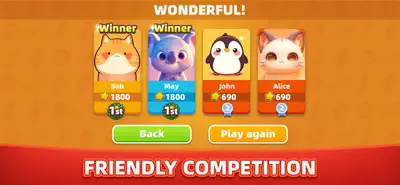
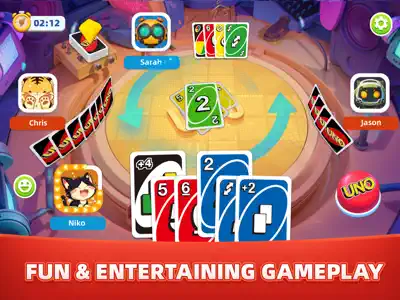
Here are some screenshots of the game.

screenshot 0screenshot 1screenshot 2screenshot 3screenshot 4screenshot 5screenshot 6screenshot 7screenshot 8screenshot 9

Features

Walkthrough

Getting Started with UNO: Arcade Edition

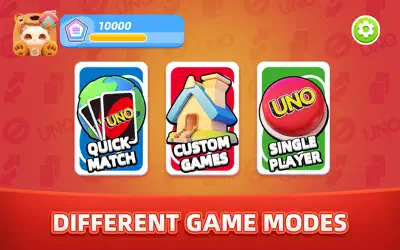
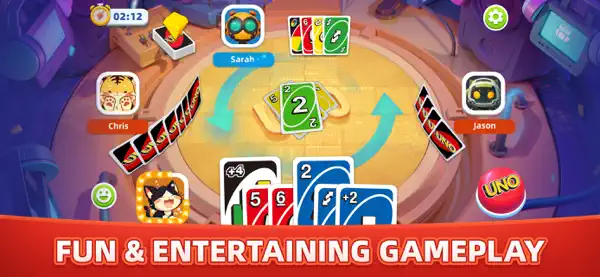
Launch the game and select your mode: Quick Match for online play, Custom Games to set your own rules, or Single Player for offline fun against AI. Match cards by color or number, use action cards strategically, and shout 'UNO!' when down to one card. Explore new rules like Wild Swap Hands to swap hands with another player or Color Showdown to challenge opponents to a color-based duel.
Mastering Customization and UNO Road

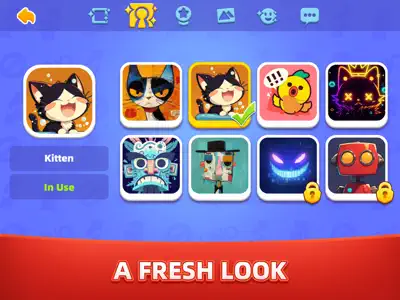
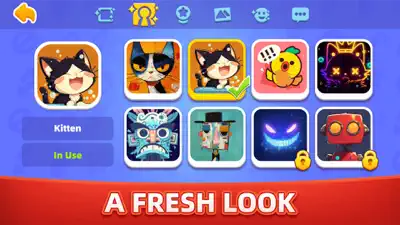
Personalize your profile with frames, emotes, and effects earned through UNO Road, a progression system where you complete achievements to unlock rewards. Experiment with custom rules in Party Mode to create unique gameplay experiences with friends.

Gameplays

Quick Match Mode

Jump into fast-paced online matches with players worldwide. Match cards quickly, use action cards like Skip or Reverse to outsmart opponents, and aim to empty your hand first. Perfect for competitive, short sessions.

Single Player Mode

Play offline against advanced AI opponents. Practice your strategies in a stress-free environment, using classic rules or new ones like Double Discard All to clear multiple cards at once. Ideal for solo play or honing your skills.

Questions And Answers

Here are some possible questions and answers that you might find useful

    Questions And Answers

    Here are some possible questions and answers that you might find useful

    1. Q:How do I unlock new customization items in UNO: Arcade Edition?

      A:You can unlock customization items like frames, emotes, and effects by progressing through UNO Road. Complete achievements in matches to earn points, which unlock rewards to personalize your in-game appearance.